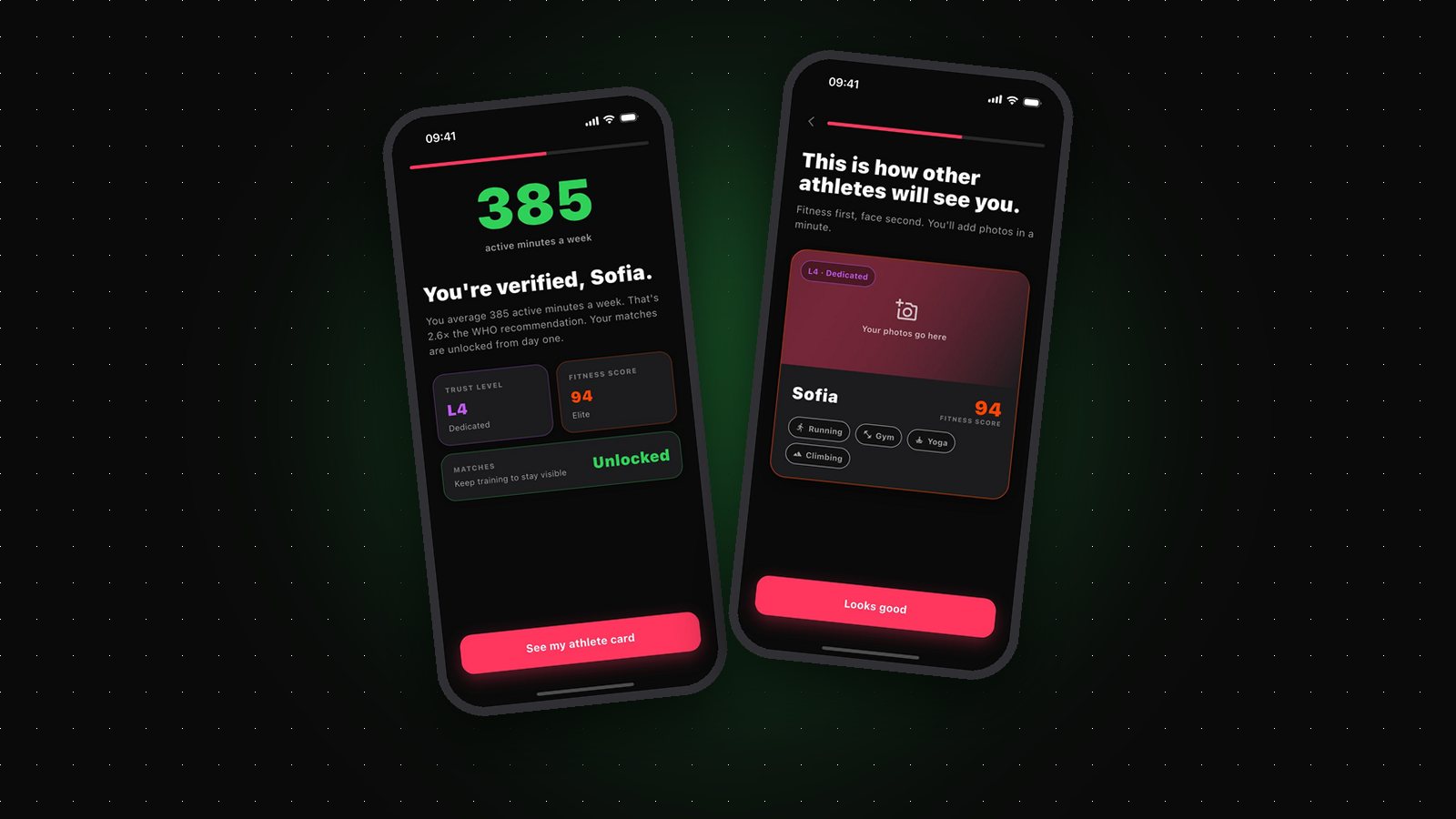
Every profile on Gritvit carries two numbers: a Fitness Score and a Trust Level. Together they replace the thing every other dating and social app relies on — self-description — with verified activity data.
Here's exactly what those numbers mean, where the data comes from, and what stays on your device.
Where the data comes from
Gritvit doesn't ask you to log workouts. It reads sessions you already track through Apple Health on your iPhone (Health Connect on Android is coming) — an Apple Watch run, a Garmin ride, a Fitbit session, a GPS-tracked hike from your phone. If it's in your health platform, it counts.
That design choice matters: because the data comes from hardware and OS-level platforms rather than manual entry, it's hard to fake and effortless to maintain.
Fitness Score: how active you are now
Your Fitness Score (0–100) blends eight signals — resting heart rate, workout frequency, cardio volume, recency, daily steps, active calories, longest workout and daily distance. It's a living number: train consistently and it climbs; go three days without activity and it starts to decay, and if you stop training altogether your matches pause until you're back.
That decay is deliberate. It keeps every score honest — a Fitness Score always describes the athlete you are this month, not the one you were last year.
Trust Level: how verified you are
Trust Level (L1–L5) measures the credibility of your data rather than your performance. Everyone starts at L1 (Basic Mover). A logged workout in the last 14 days takes you to L2 (Verified Active), and GPS-verified outdoor workouts to L3 (Athlete). The top tiers require a wearable — the hardest data source to fake: L4 (Dedicated) means a wearable with heart-rate data, and L5 (Elite) adds 30 consecutive days of wearable data.
Trust Level unlocks nothing and gates nothing. It's purely a badge other users see: L5 next to a profile means a long run of wearable-verified training stands behind it.
What stays on your phone
Scoring happens on-device. Raw workouts, heart-rate readings, GPS routes and step logs stay on your phone. What's saved to your profile is summary numbers only: your Fitness Score, Trust Level, weekly active minutes, whether you use a wearable, and personal-record totals for the leaderboard. Other users see your scores and badge, never your raw health data — and it's never sold or shared.
The result is a dating app where the signal is real and the data behind it stays yours. That's the entire idea: no claims, no filters, no catfishing — just verified effort.